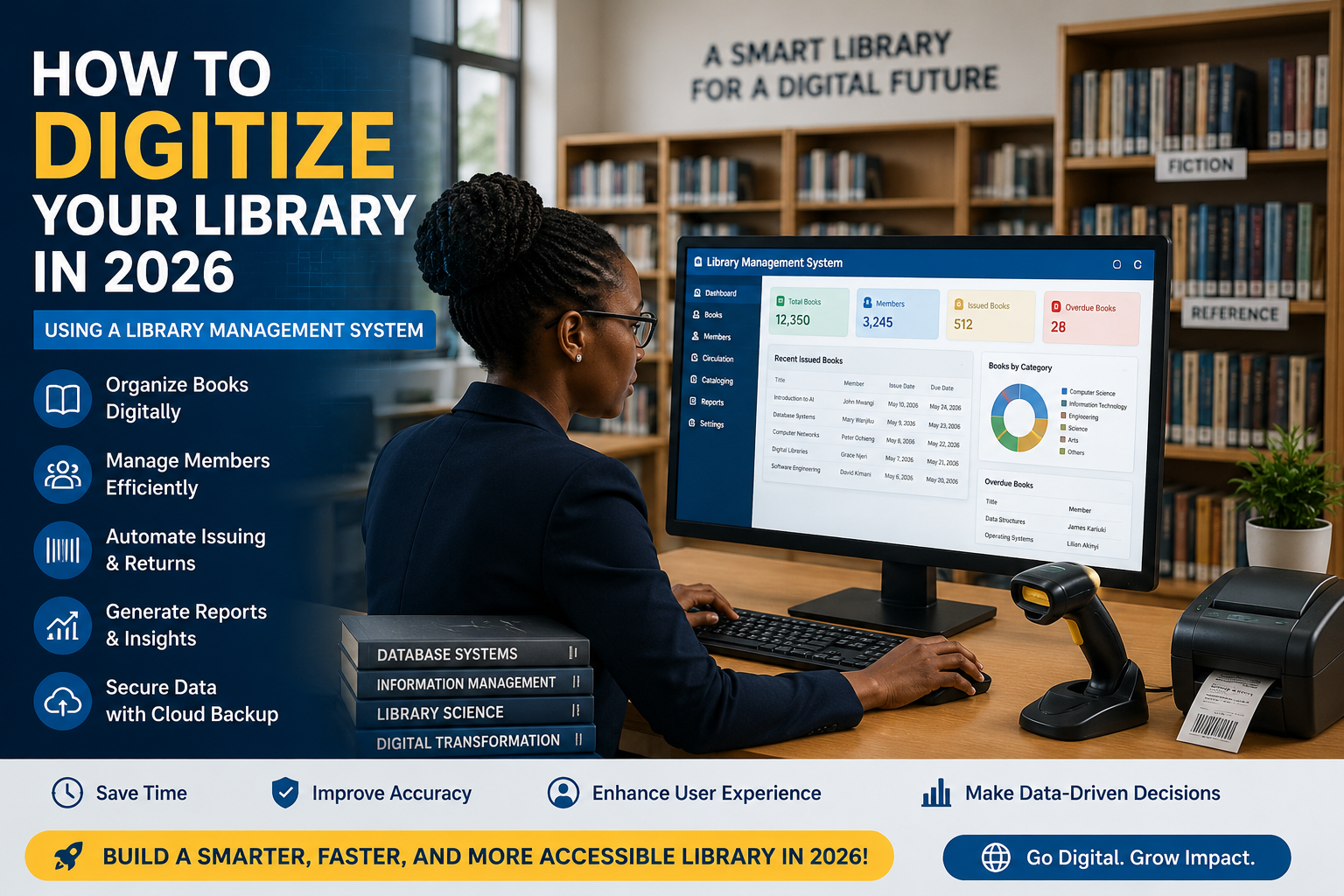
Why Choose Libratech Library Management System?
Step 1: Download LibratechGo to the official Libratech Library Management System page and download the setup package:Download Libratech Library Management System
link https://iet.co.ke/library-management-system/
Step 2: Install and Run the SystemAfter downloading: Install the setup file on your computer or server Follow the installation wizard instructions Launch the application once installation is complete
Step 3: Setup Your Library Database Create your library profile Add books, categories, and members Configure borrowing and return rules